Cascara Theme Engine
Theme support for JavaFX.
Features
- Changing themes without restarting you application
- Importing Visual Studio Code themes
- JavaFX 24+
Demonstration
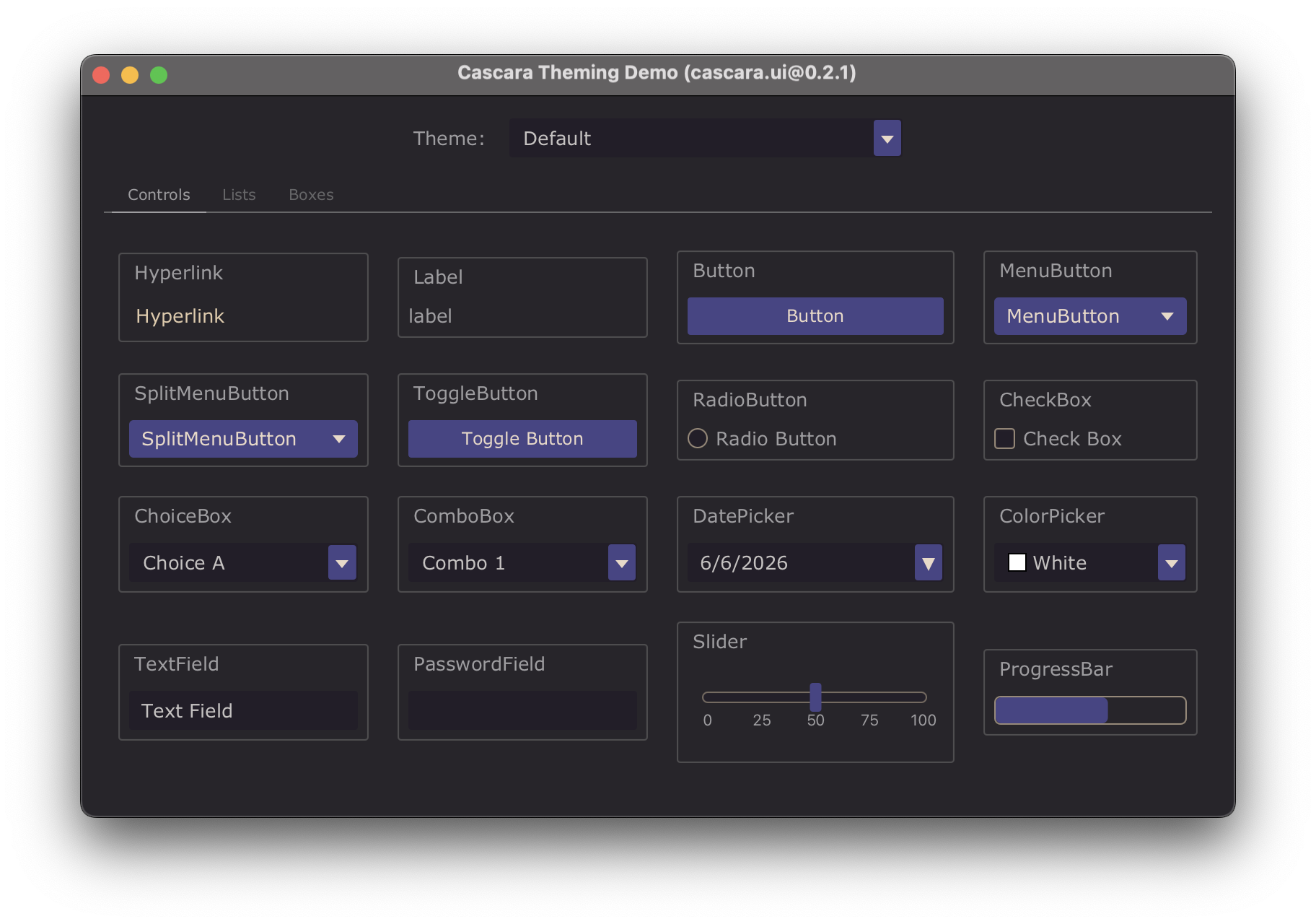
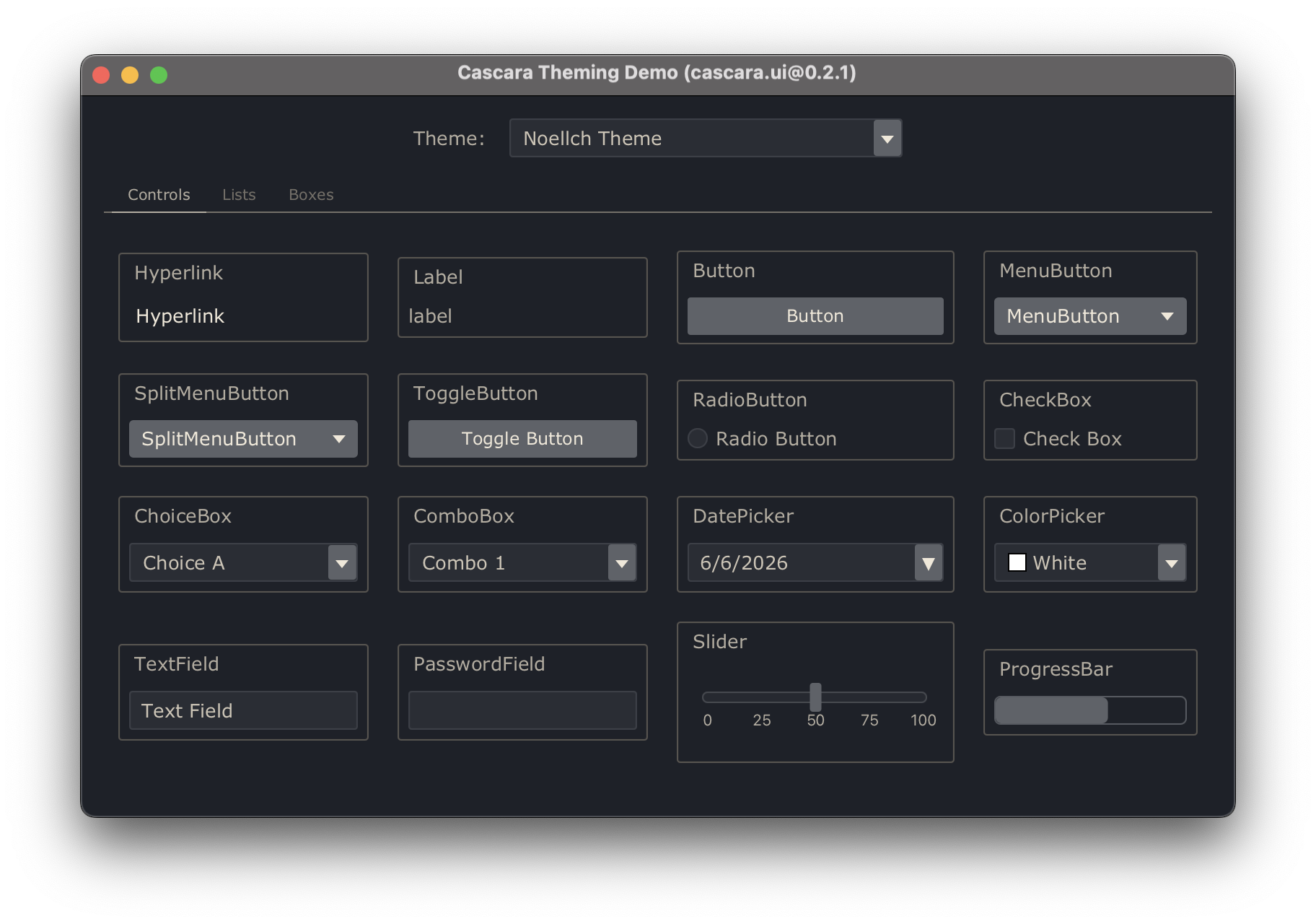
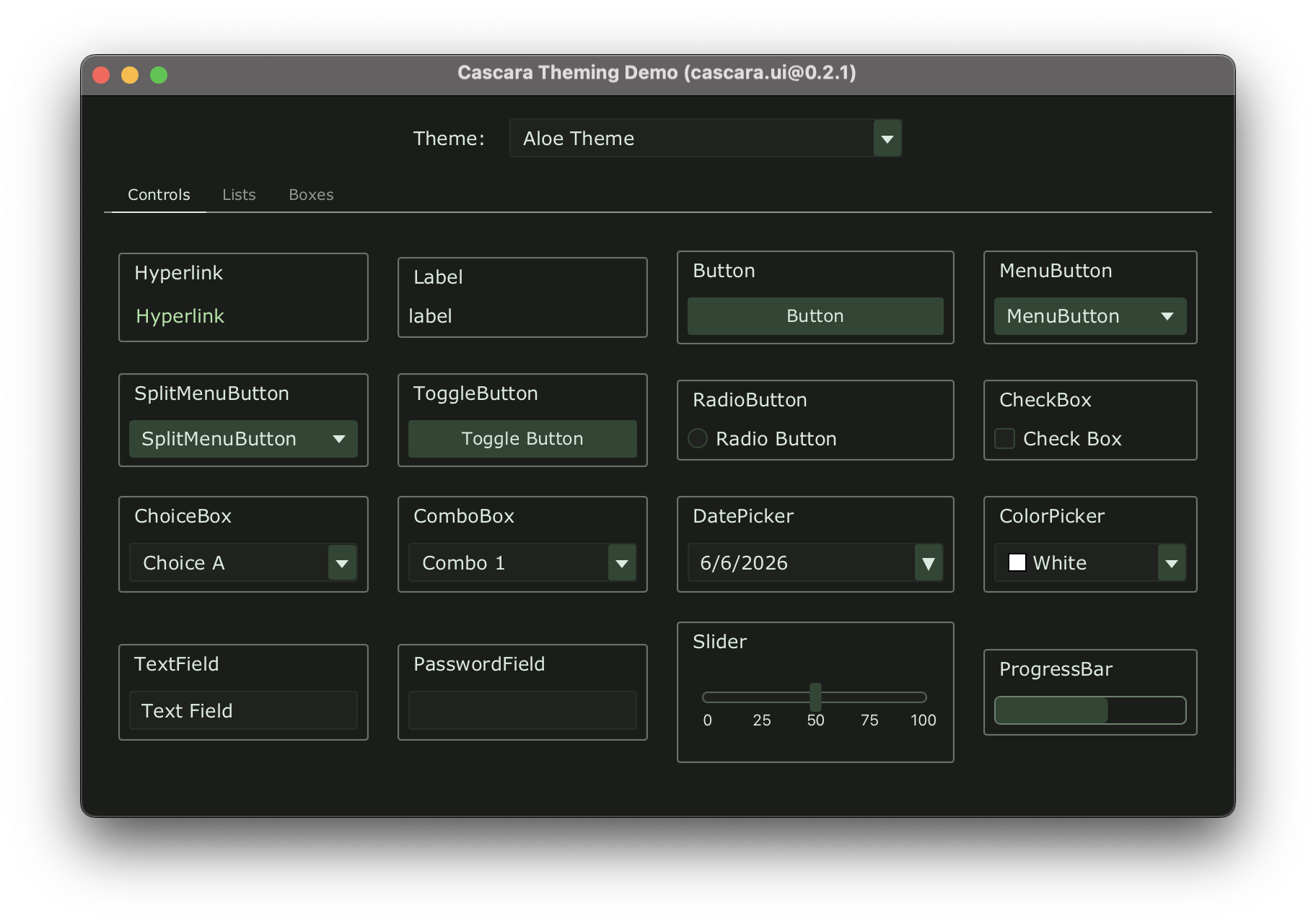
These screenshots are of the Theming Example app which is available on GitHub.
Default Cascara Theme
Noellch VS Code Theme
View theme on visualstudio.com.
Aloe VS Code Theme
View theme on visualstudio.com.
Installing VS Code Themes
To install a VS Code theme for the Cascara Theme Engine, copy the .vsix file into ~/.cascara/packages/.
Gradle
Cascara UI and its dependencies are available in the Maven Central repository.
To use it in a Gradle project, add the following dependencies:
dependencies {
    implementation "io.github.qishr:cascara-ui:0.2.1"

    // Transitive dependencies of cascara.ui...
    implementation "io.github.qishr:cascara-common:1.0.0"
    implementation "io.github.qishr:cascara-common-io:0.2.0"
    implementation "io.github.qishr:cascara-lang-json:0.2.0"
    implementation "io.github.qishr:cascara-lang-xml:0.2.0"
    implementation "io.github.qishr:cascara-lang-yaml:0.2.0"
    implementation "io.github.qishr:cascara-schema:0.2.0"
}
Example Usage
This example uses the following Cascara classes to display a drop down list of installed themes and apply the chosen one to the scene:
Scene scene = new Scene(layout, 800, 500);
ThemeEngine themeEngine = ThemeEngine.instance();

OptionChooser themeChooser = new OptionChooser(
    themeEngine.getThemeOptionProvider(),
    themeEngine.getDefaultThemeOption()
);

themeChooser.getSelectionModel().selectedItemProperty().addListener((obs, old, theme) -> {
    themeEngine.setTheme(theme);
    themeEngine.applyTheme(scene);
});

themeEngine.applyTheme(scene);
API Documentation
Javadoc is available here.